Settings
Open Settings from the header to find every configuration option, organized into a few sections.
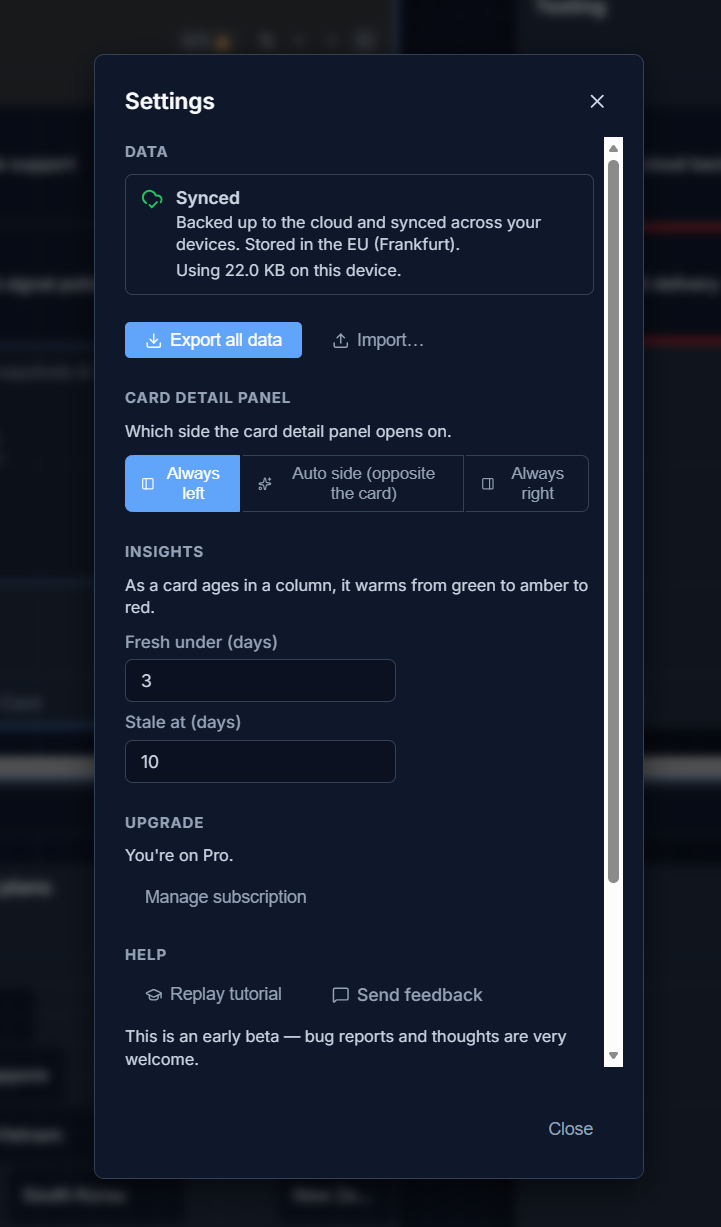
Shows your current data location (local only, synced, or offline), roughly how much space your boards are using on this device, and the Export / Import buttons.
Card detail panel
Section titled “Card detail panel”Choose which side the card detail panel opens on: left, right, or automatic (opposite the side you clicked).
Insights
Section titled “Insights”Set the “Fresh under” and “Stale at” day thresholds used by card freshness. The two values auto-adjust to keep fresh below stale.
Public share links
Section titled “Public share links”Create, review and revoke read-only links to your cloud-synced boards — see Sharing a board publicly. Pro only, and only for boards that have sync turned on.
- Replay tutorial — reopens the onboarding walkthrough at any time.
- Send feedback — opens a pre-filled feedback email.
- A link to the Privacy Policy.
Danger zone
Section titled “Danger zone”Delete your local data or your account — see Deleting data & account.