Deleting data & account
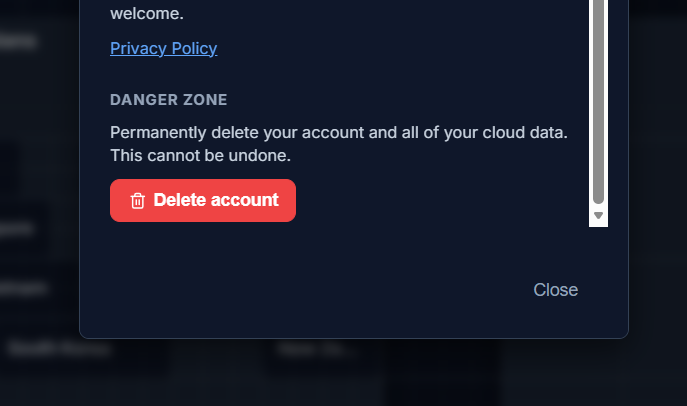
The Danger zone in Settings shows one of two options, depending on whether cloud sync is currently active for your account.
Delete local data
Section titled “Delete local data”Shown when you’re not on an active cloud account. This wipes only the active browser’s local copy of your boards and forgets your local-vs-sync preference, so if you sign in again later you’ll be asked to choose again. It does not touch any cloud data.
Delete account
Section titled “Delete account”Shown when cloud sync is active. This is a full account deletion: your boards, account settings, and any subscription record are removed from the cloud, your local browser data is wiped, and you’re signed out. Cloud data is removed from active systems immediately, and from backups within 30 days — see Privacy & data location for details.
Both actions require a confirmation step before anything is deleted.