Switching & creating boards
Switching boards
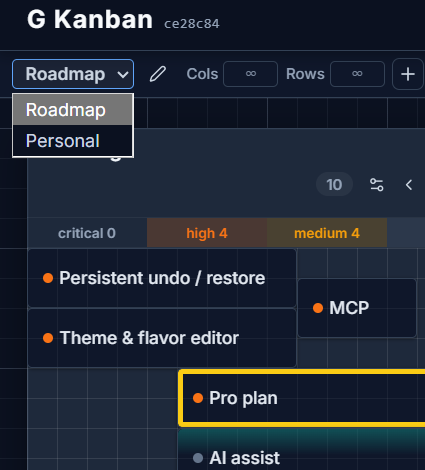
Section titled “Switching boards”Each pane has its own board picker at the top. Open it to switch which board that pane shows, rename the current board (pencil icon), or delete it (trash icon — disabled if it’s your only board).
You can also jump to the active pane’s board picker from the keyboard with the chord g then b.
Creating a board
Section titled “Creating a board”Click the + button in the board picker, or use Ctrl/Cmd + Shift + N. New boards start empty — add columns from there.
Deleting a board
Section titled “Deleting a board”Deleting a board removes it and every column and card on it. G Kanban won’t let you delete your last remaining board — you always need at least one to switch to.