Checklists
Every card can have its own checklist of subtasks, managed in the detail panel: add an item, check it off, or delete it.
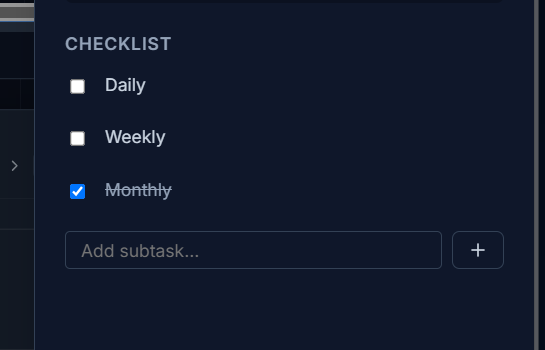
Checking off an item counts as activity on the card — it resets the card’s freshness clock, the same way editing the card does.
On the card face itself, a checklist shows as a compact tile-and-count summary on small cards, and as a full task list on larger ones — see Resizing & density.