Labels
Labels are shared across your whole account — renaming or recoloring a label updates every card that uses it, rather than being a per-card, one-off tag.
Adding a label to a card
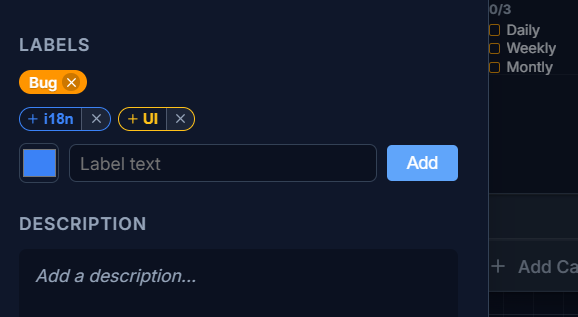
Section titled “Adding a label to a card”In the card’s detail panel, pick from your existing labels or create a new one with a name and color.
How labels show up on the card face
Section titled “How labels show up on the card face”Labels adapt to the card’s size, the same way other fields do (see Resizing & density):
- On a small card, labels collapse to colored “dots,” with an overflow count if there are more than fit.
- On a larger card, labels show as full text pills.