Quick capture (⚡)
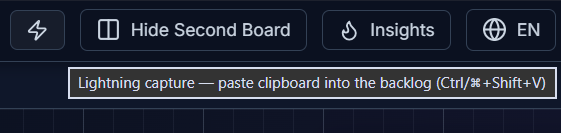
Lightning capture drops whatever’s on your clipboard straight into a new card at the top of the active board’s first column (the “backlog”), without opening a form or breaking your flow.
How to use it
Section titled “How to use it”Copy any text, then either:
- Click the ⚡ (lightning bolt) button in the header, or
- Press
Ctrl/Cmd + Shift + V
What happens to the text
Section titled “What happens to the text”The first line of the clipboard text becomes the card’s title (truncated with … if it’s longer than 120 characters); everything else becomes the description. If the very first line is itself too long to use as a title, the full text is preserved in the description instead, so nothing is ever lost. The newly captured card is focused automatically so you can immediately move or edit it.